

BuyHome.ge
+995 595 33 78 33


How to Pay Taxes Online in Georgia: Step-by-Step Guide
How to Pay Taxes Online in Georgia: Step-by-Step Guide
Introduction
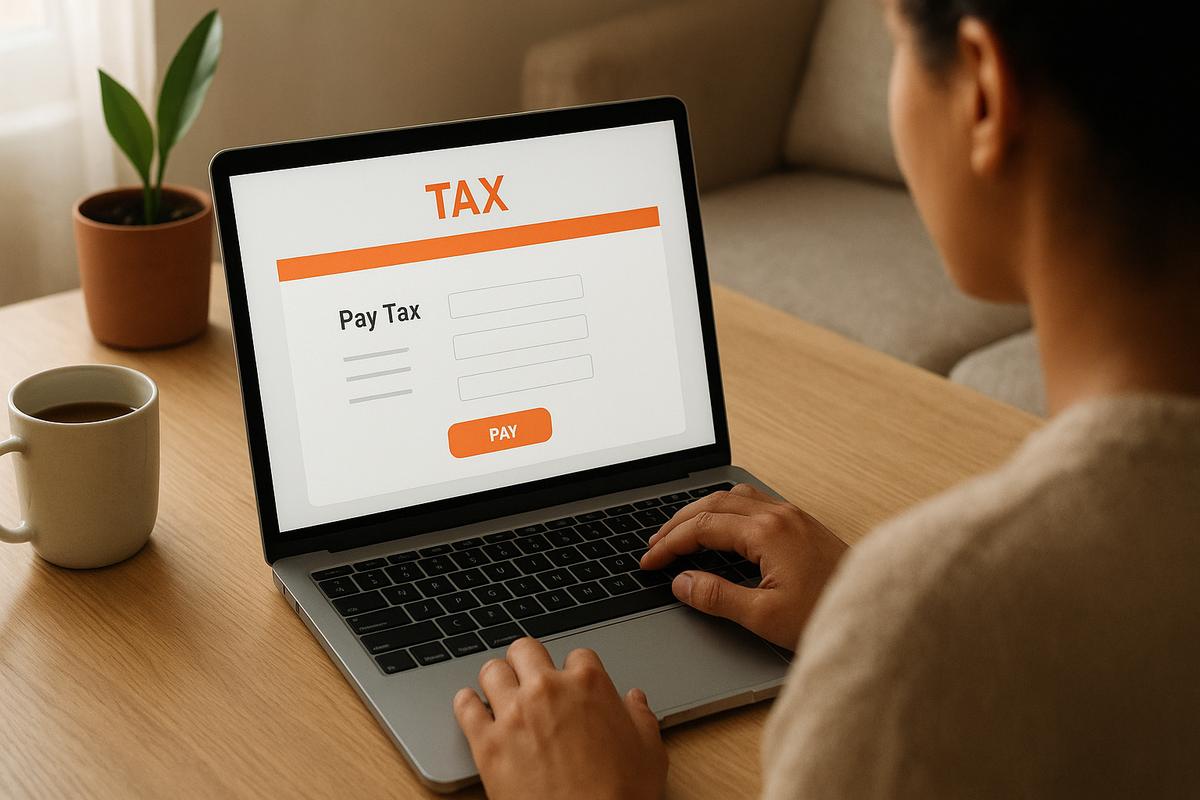
Paying taxes in Georgia online is convenient and secure when you use official portals. This guide walks you through the process step by step, outlines what to prepare, and offers practical tips for property owners and small businesses. 🧾💻
Who will benefit
- Residents and non-residents with Georgian income
- Property owners (property tax, municipal fees)
- Small business owners and self-employed people
- Foreign investors who want to stay compliant
What to prepare before payment ✅
- Passport or ID and taxpayer number if you have one.
- Tax notice details or invoice information (if available).
- An account for the tax portal or a bank card for one-time payments.
- Email and phone for confirmations.
If you own property in Georgia, check your tax notices through the portal or consult your real estate agent before paying.
Official channels for payment 🏛️
Always use official government websites and trusted banks or payment providers. Typical options:
- The official tax authority portal (personal account).
- Bank apps and internet banking (government payments section).
- Bank branches and payment terminals.
Property owners should verify the amounts in the tax portal and save payment confirmations.
Step-by-step: paying via the tax portal
Step 1. Register and log in
Visit the official tax portal and register or log in. Use accurate personal data to simplify identity verification.
Step 2. Find your charges
In your account, go to "My Charges" or "Pay Taxes". You will see available taxes: income tax, property tax, vehicle tax, etc.
Step 3. Verify payment details
Check the payment purpose, amount and period carefully. If anything is unclear, make a screenshot and contact the tax authority or an accountant.
Step 4. Choose payment method
Select a bank card, internet banking or another available method. Make sure your card supports online payments and 3-D Secure if needed.
Step 5. Confirm and keep the receipt
After payment, save the receipt and confirmation. The portal should update your payment status shortly after the transaction.
Common mistakes and how to avoid them ⚠️
- Entering wrong payment details — always double-check the payment purpose.
- Paying an outdated amount — refresh the portal data before payment.
- Not saving confirmations — keep receipts and screenshots for records.
If a charge seems incorrect, do not pay until you verify with the tax office or a professional.
Tips for property owners 🏠
- Monitor notices tied to your property address regularly.
- If you rent out property, consult a tax specialist on reporting and payment options.
- Update contact information in the tax system if you move or change phone/email.
What to do if you doubt the amount
- Request a statement from your tax portal.
- Contact the tax authority for recalculation if needed.
- Consult a local accountant or your real estate agent about possible exemptions or adjustments.
Security and privacy 🔒
- Use official portals and trusted banking channels only.
- Do not enter card details on unknown websites.
- Check the site’s SSL certificate and official domain before inputting sensitive data.
Conclusion
Online tax payment in Georgia is straightforward with the right preparation and attention to details. If you own or plan to buy property, BuyHome can help you understand your tax obligations and prepare the necessary documents.
If you need assistance checking tax charges for a property or preparing paperwork, contact BuyHome and our team will guide you through the process. 📩
Explore properties or start your search on BuyHome: https://buyhome.ge/en/search
We’re here to make buying property in Georgia easier and clearer.
Date added: 21.07.26
Related articles






Related categories

Taxes and fees (purchase and rental)
Guide to taxes and costs for buying and renting property in Georgia: registration and related fees, rental income tax, exemptions, payment deadlines, and practical calculation examples.

Real estate legislation in Georgia
Key rules of Georgian real estate law: ownership rights, public registry registration, purchase and rental transactions, key restrictions, and practical guidance for residents and foreigners.

Developer contracts
A practical guide to developer contracts in Georgia: instalment plans and payment schedules, completion timelines, warranties, penalties, and termination terms. What to review before signing and how to reduce buyer risks.

Transaction risks and security
Seller and property due diligence in Georgia: registries, documents, encumbrances, and key risks. What to verify before the deal to protect yourself and buy with confidence.
Benefits of buying property on BuyHome.ge

Best property prices
No commission for buyers
Up-to-Date Properties on the Website
Free property selection
Free transaction support
Free expert consultations

Submit a Request
for a Consultation!

2026 © All rights reserved