

BuyHome.ge
+995 595 33 78 33


How to Use Internet Banking in Georgia: Setup and Safety—Tips
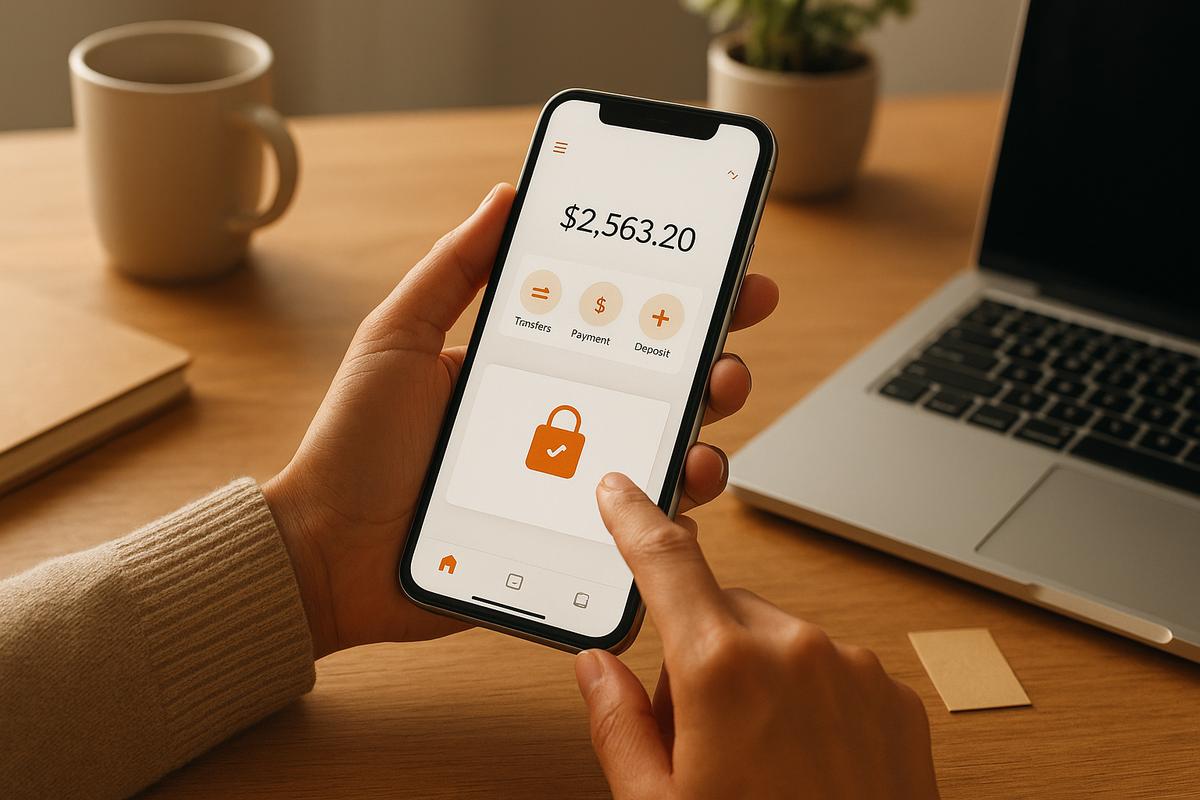
How to Use Internet Banking in Georgia: Setup and Safety—Tips
Introduction
Internet banking in Georgia is convenient and increasingly common, but safe use depends on a few simple habits. This guide gives clear, practical steps for newcomers and experienced users who want to tighten security and avoid common mistakes. 🔐
Before you sign up: key considerations
Choose a bank and access methods
- Prefer banks with clear mobile apps, responsive support, and documentation in a language you understand.
- Check whether the bank offers web access, mobile apps, and which ID methods it accepts for registration (national ID, passport, eID).
Prepare documents and contacts
- Have ID and a local phone number ready. If you're a foreigner, ask the bank about KYC requirements and remote onboarding options.
First steps in the app ✅
Register and set up securely
- Create a unique username and a strong password — consider a passphrase of several unrelated words.
- Enable two-factor authentication (2FA): SMS, push notifications, or an authenticator app.
Make the account resilient
- Don’t reuse passwords across services. Use a password manager to generate and store long random passwords.
App settings that matter 🔒
Notifications and limits
- Turn on notifications for logins and transactions so you learn about unusual activity right away.
- Review transfer limits and lower daily limits for regular use if possible; ask your bank how to temporarily raise them for big transactions.
Biometric login and auto‑sign in
- Use biometrics only on your personal device. Disable auto-login on shared or work phones.
Device and connection safety 📱💻
- Install banking apps only from official stores (App Store, Google Play) and keep them updated.
- Update your phone or computer OS regularly — updates often fix security flaws.
- Avoid public Wi‑Fi for banking; if you must, use a trusted VPN.
How to spot fraud and phishing 🎣
- Banks will not ask for your full passwords or secret codes via email or chat.
- Check website addresses carefully — phishing sites often use small typos or extra words.
- If you receive a suspicious message asking to confirm a transaction, stop and call the bank using the official number.
Practical examples of safe behavior
- Example: get an SMS asking to confirm a payment? Close the message and open the bank app directly to check the transaction.
- Example: when adding a new device, review and remove old or unused devices from account settings.
If you notice a suspicious transaction
- Block the card via the app or contact the bank’s support immediately.
- Save screenshots, transaction IDs and timestamps for the bank’s fraud team.
- Follow the bank’s instructions — many banks assist with investigations and recovery.
Extra tips and healthy habits
- Regularly review your account statements to detect small irregularities early.
- Store backup 2FA codes securely (password manager or a physical safe place).
- When switching phones, migrate access through the bank’s official procedure to avoid locking yourself out.
Final thoughts and property-related help 🏠
Secure internet banking relies on consistent, simple practices: strong passwords, active 2FA, cautious use of public networks, and attention to notifications. If you're planning to buy property in Georgia, BuyHome can advise on secure payment options and help coordinate bank transfers for property purchases.
Contact us to discuss safe payment steps and find a property — try our search to start: https://buyhome.ge/en/search
Date added: 03.07.26
Related articles






Related categories

How to choose a complex
How to choose a residential complex in Georgia — key criteria affecting comfort, liquidity, and investment returns, with common mistakes explained.

How to complete a deal
How to complete a real estate purchase in Georgia — step-by-step breakdown of the process, documents, timelines, and common buyer mistakes.

Bank account opening
How to open a bank account in Georgia — requirements for foreigners, required documents, timelines, and key banking specifics.

Utilities guide
Utility bills in Georgia — overview of electricity, water, gas, internet, and building maintenance costs, with payment methods and expense calculations.
Benefits of buying property on BuyHome.ge

Best property prices
No commission for buyers
Up-to-Date Properties on the Website
Free property selection
Free transaction support
Free expert consultations

Submit a Request
for a Consultation!

2026 © All rights reserved